
UTTOP
UTTOP
European Project Semester 2026

UTTOP
Maker Space

Co-Design and Build a Collaborative Fabrication Space:
Physical Space + Digital Tools for Community

🔨 🎨 💻 🚀
Client: Nicolas Flavigny
Tutor: Cedrick Beler
March - June 2026

What is a
Maker Space?

🔬
A place for experimentation, learning & collaboration
🛠️
Equipped with digital fabrication tools (3D printing, laser, CNC, electronics...)
🤝
Open to all: students, researchers, staff, local partners
💡
A community-driven space for innovation & creativity
Fab Lab concept born at MIT (Neil Gershenfeld, 2001) - "How to Make (Almost) Anything". Now 2500+ worldwide.
A Room.
A Vision.

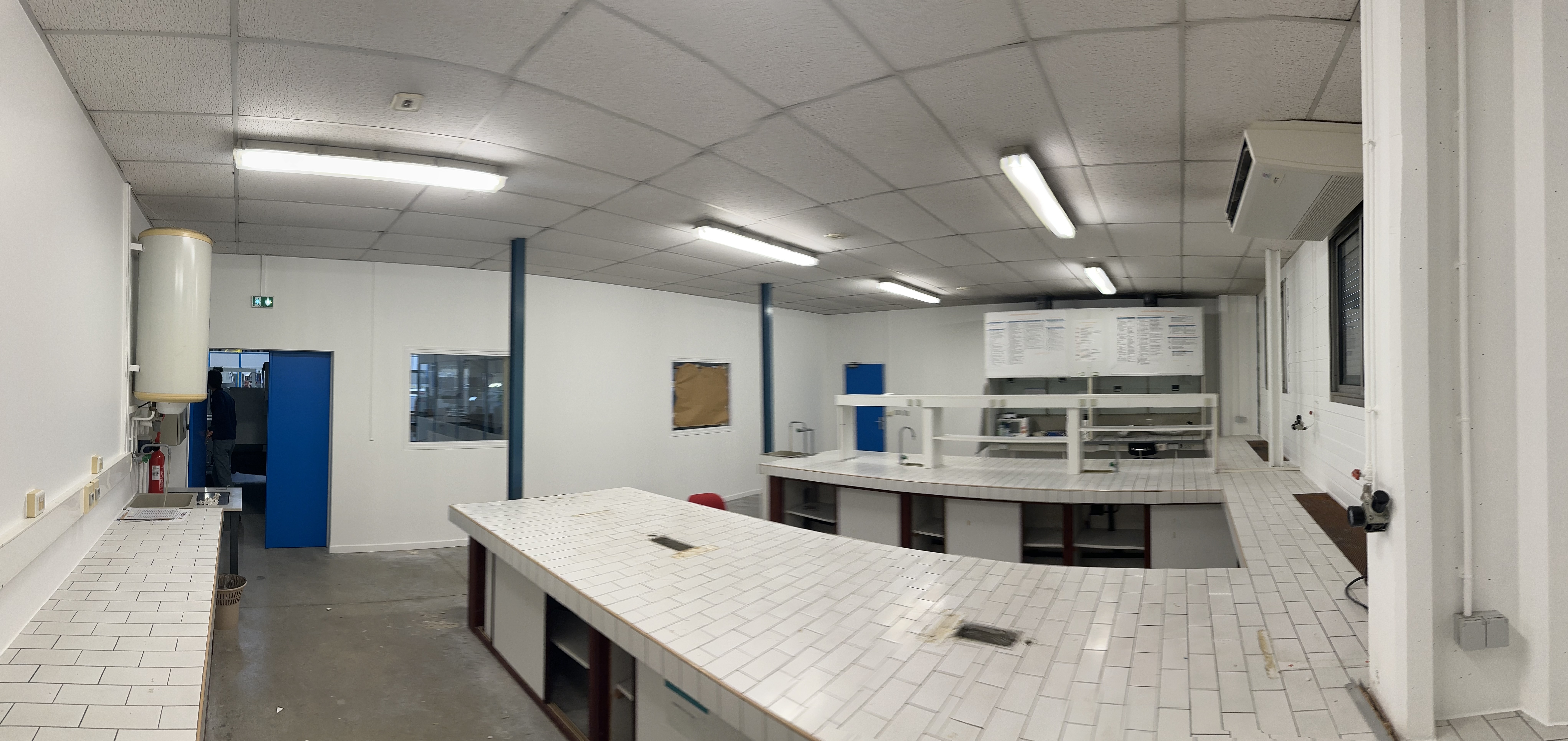
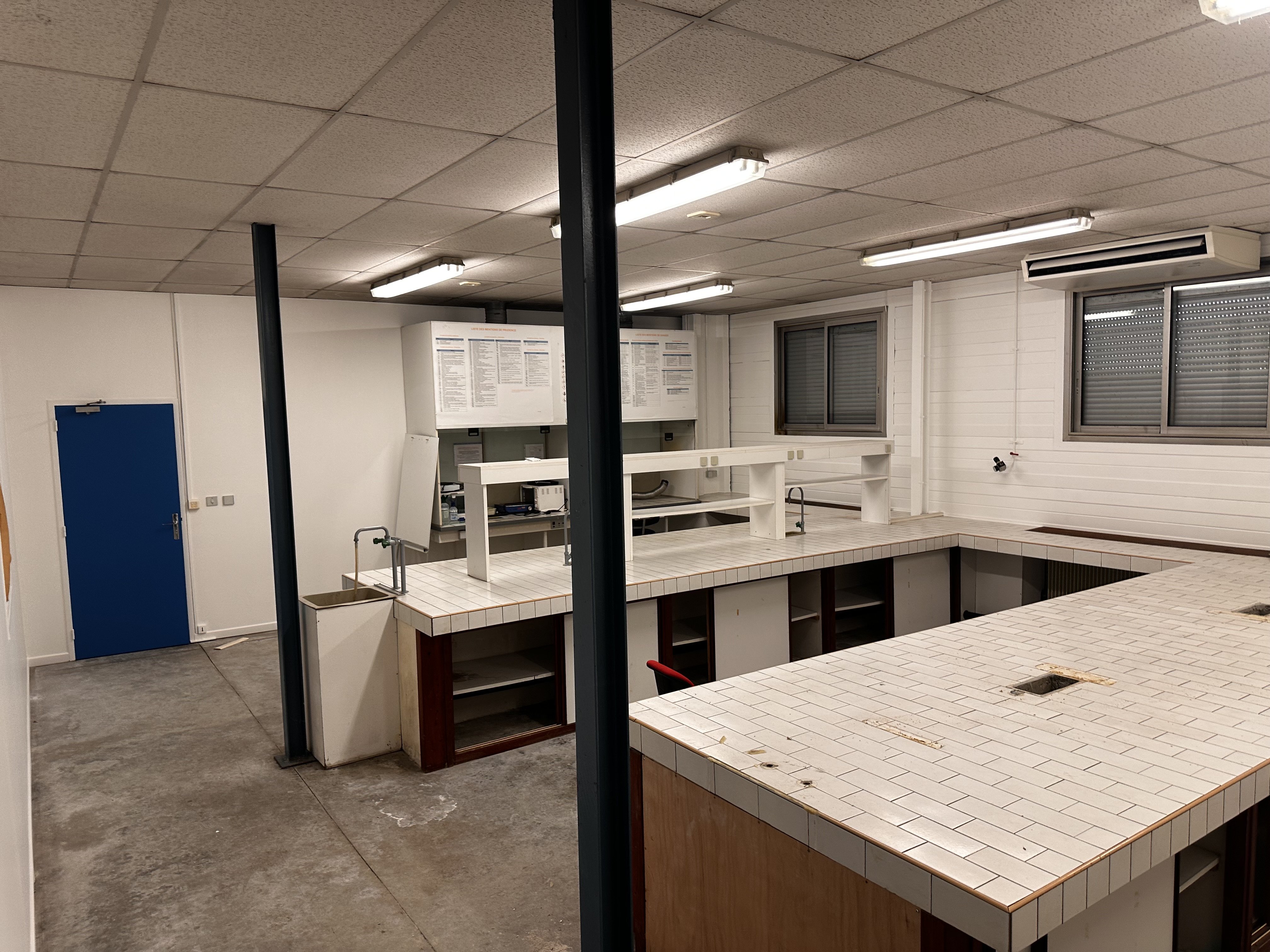
This is a former chemistry classroom.
~60 m2 of raw potential.

⬇️

Your mission: transform it into a vibrant Maker Space for the entire UTTOP campus!

Current state of the maker space room Current State - Feb 2026
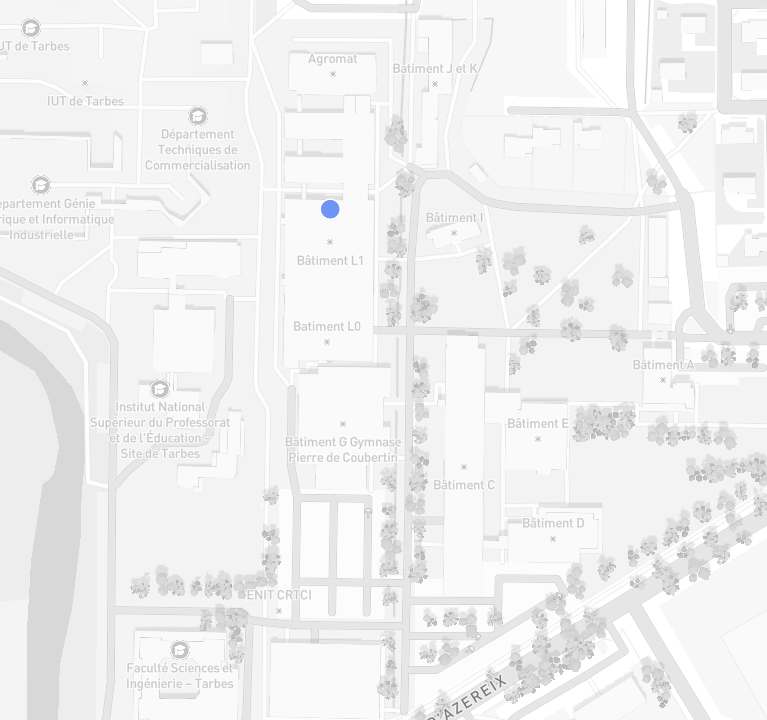
Campus map showing maker space location

📍 Where Is It?

🏫
Building L1 - Near IUT & ENIT
Accessible to all UTTOP students
📐
Phase 1: Temporary space ~60 m2
Phase 2 (2028): RENAPA building 200-250 m2
🔑
We have the keys!
The space is ready for YOUR ideas
👥
Open to: Students, Researchers,
Staff, Clubs, Local Partners

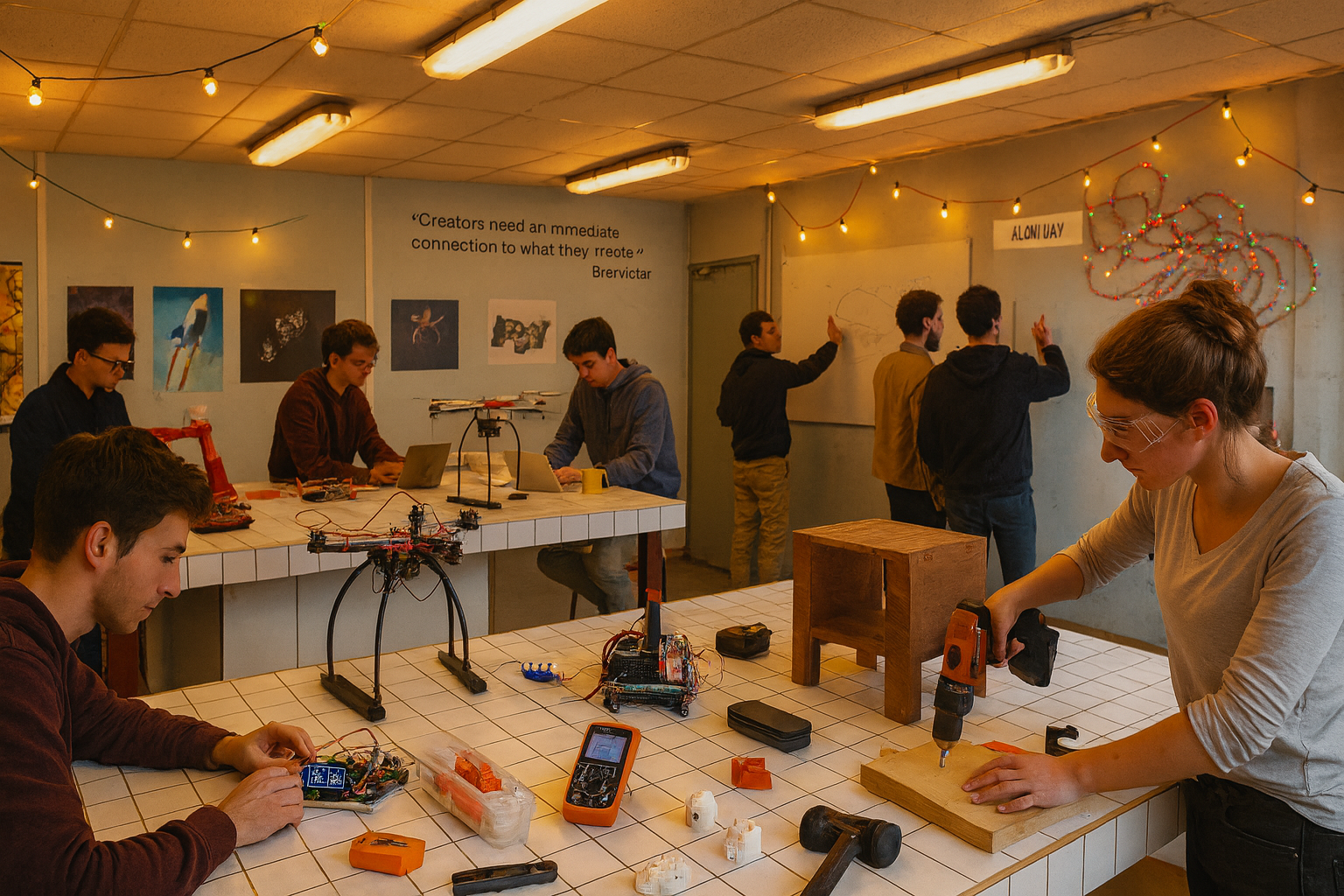
The Inspiration

Active maker space with lights
✨ A creative, collaborative atmosphere
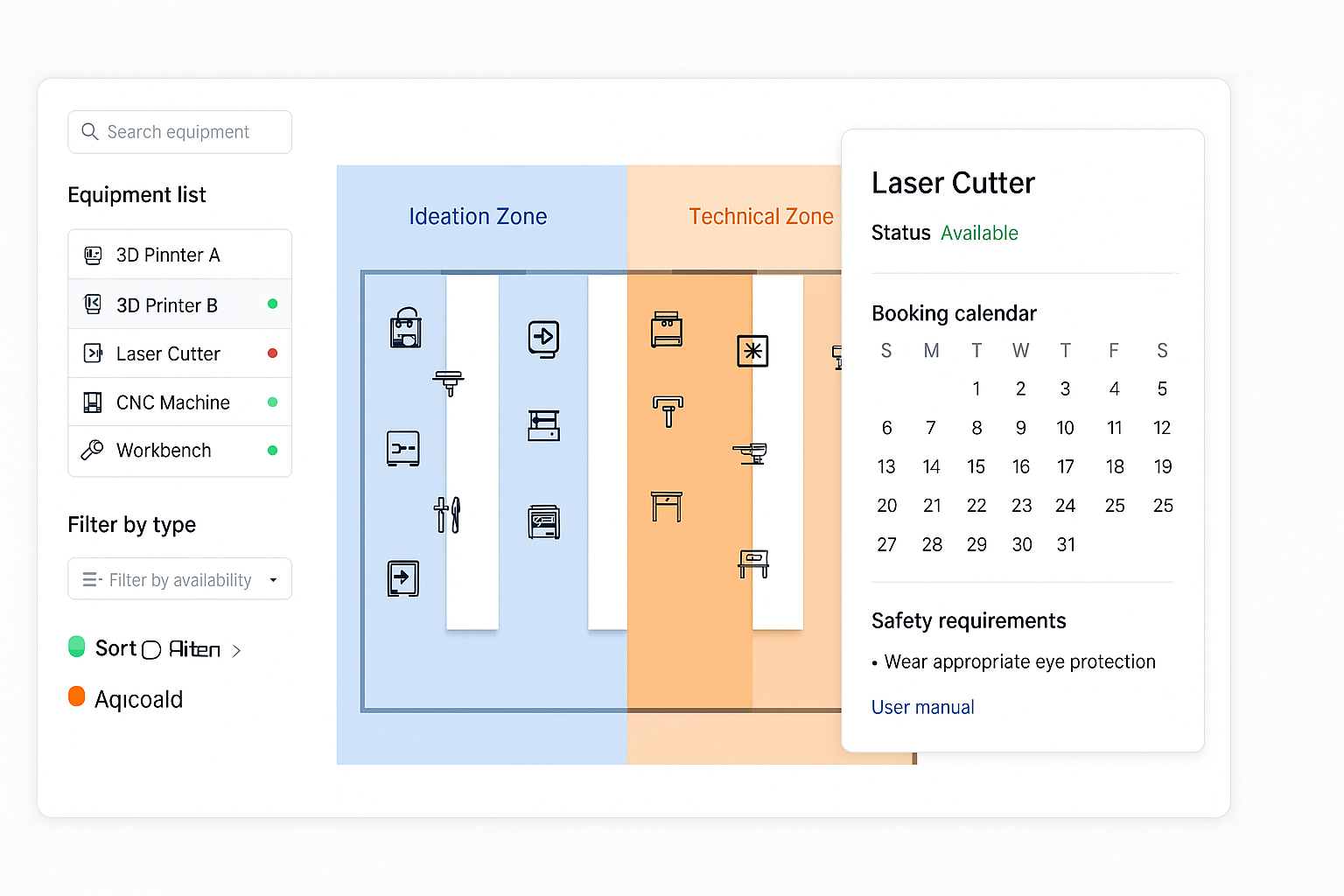
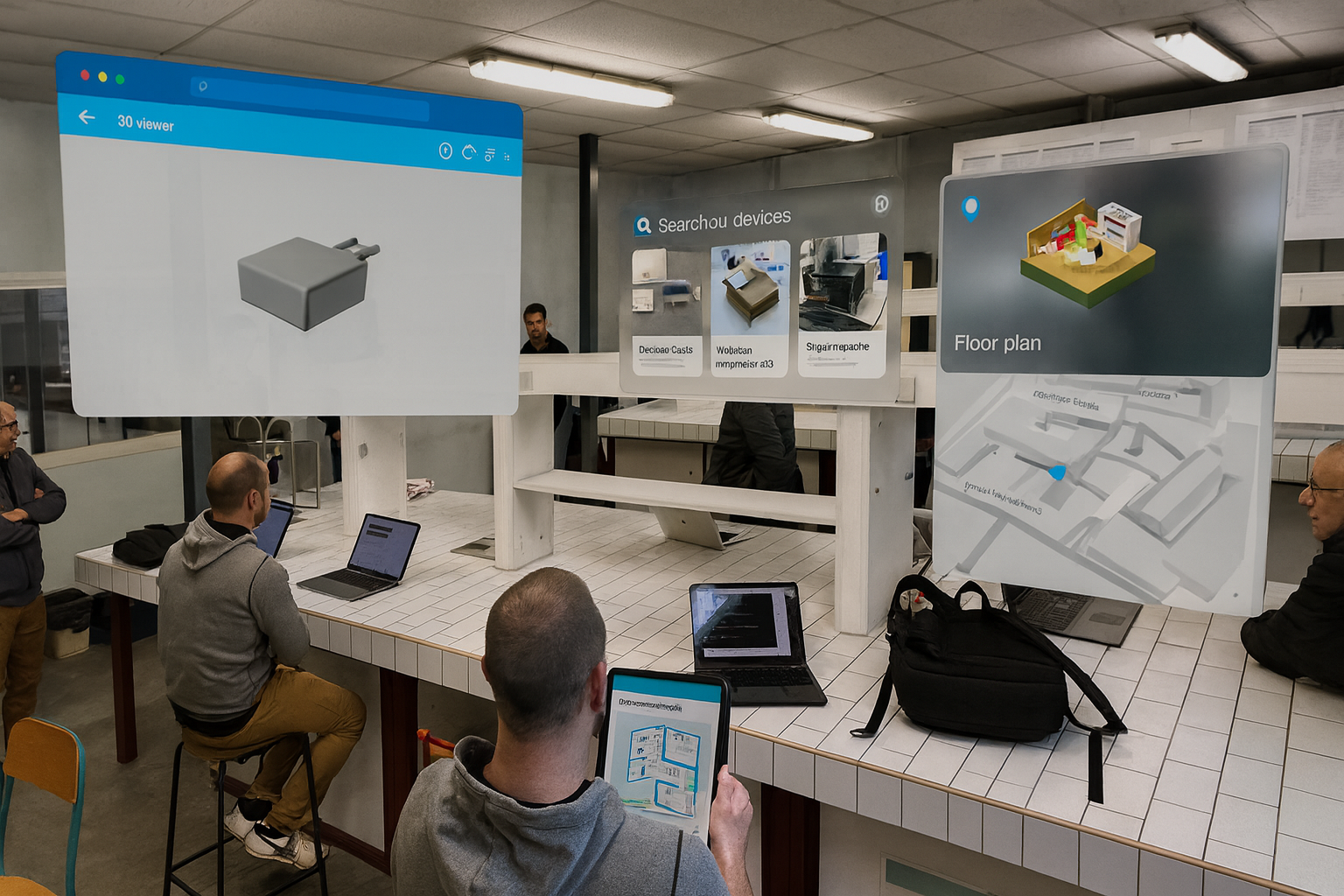
Augmented reality vision
📱 Digital tools enhancing physical space

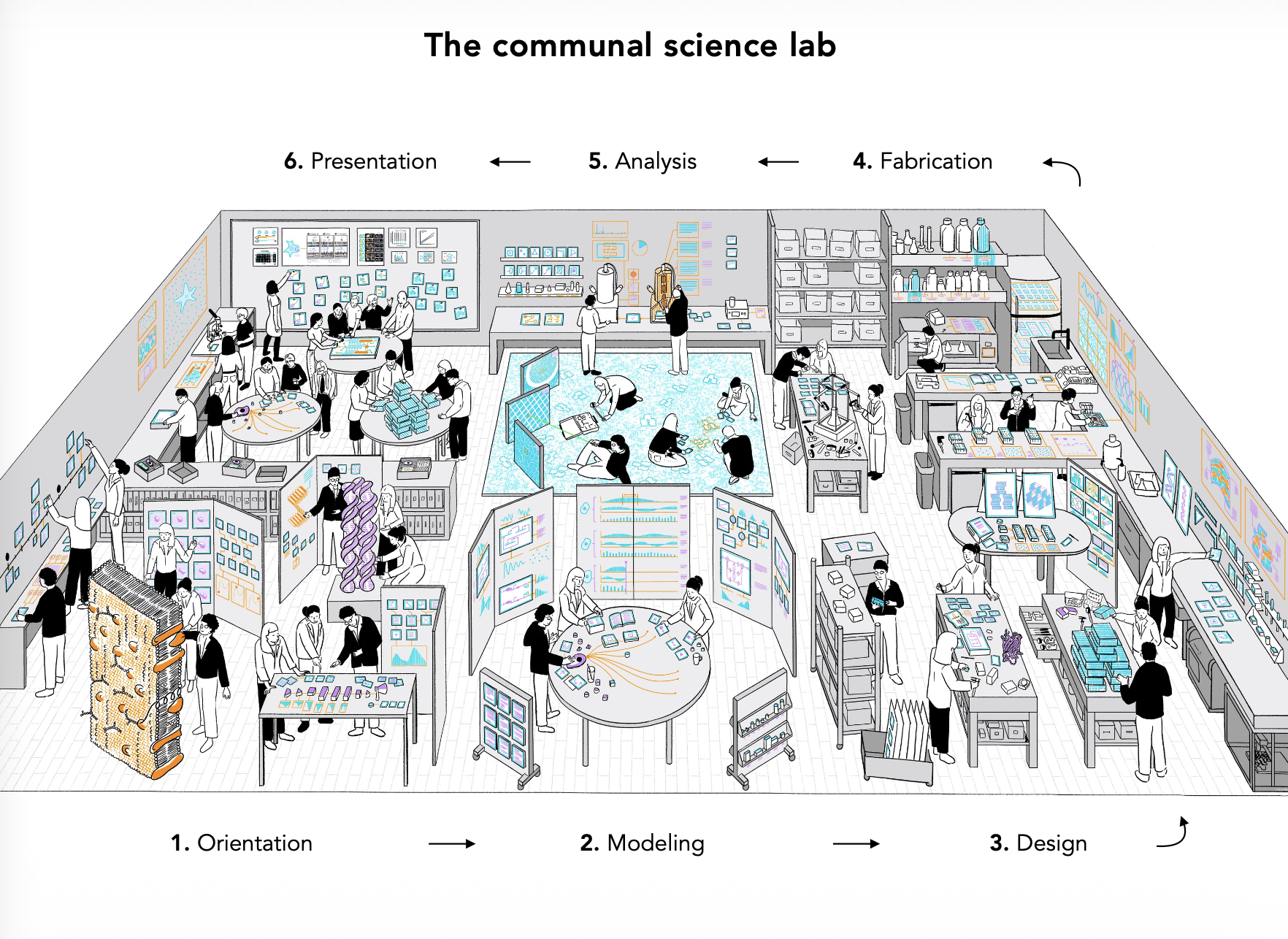
"A place where computation is integrated into the physical world, and people see and discuss ideas by constructing immersive environments..."
- Inspired by Bret Victor, The Communal Science Lab

🎯 Your Mission: 2 Dimensions

🏗️

Physical Space

  • Design functional zones
  • 2D/3D floor plans
  • Equipment layout & safety
  • Visual identity & signage
  • 5S organization & decor
💻

Digital Tools

  • 3D virtual model (laser scan data!)
  • Resource management app
  • Booking system
  • Skills & habilitation tracking
  • Project showcase platform

🏗️ Physical Space

Smart Zoning Approach

💡 Ideation Zone
  • Brainstorming, whiteboard, round table
  • Open access, collaborative, creative
⚙️ Technical Zones
  • 3D printing, laser, CNC, electronics
  • Restricted access - training required
📦 Storage & Work Area
  • Workbenches (to be repainted!)
  • Tool storage, materials
Paint Walls Install Plywood Relocate Outlets Signage
Panoramic view of the space

💻 Digital Tools

🌍

3D Virtual Space

Interactive 3D model from laser scan data. Virtual tour for onboarding & JPO events.

📅

Booking & Resource Management

Reserve equipment, track availability, manage planning. (FabManager server)

🎓

Skills & Habilitation

Track user training levels. 3 levels: Beginner > Autonomous > Expert.

📚

Knowledge Base & Showcase

Wiki for equipment guides & tutorials. Project portfolio to share creations.

Management app mockup

🤝 Co-Construction Approach

1
🔍

Discover

Interview users, visit the space, understand needs & constraints

2
🎨

Design

Workshops with stakeholders, co-create plans & mockups

3
🛠️

Build

Prototype, test, iterate. Physical setup + digital tools

4
🎉

Launch!

Nutteo Day (May 6): Official presentation & visit

🎓 Students 🔬 Researchers 🎭 Clubs 🏢 Staff 🌍 Local Partners

🛠️ Equipment & Resources

🖨️

3D Printer

Bambu Lab P1S
+ filaments & tools

🔌

Electronics Lab

Oscilloscope, power supply, Arduino kits, soldering

🔧

Power Tools

Drill, jigsaw, impact driver, grinder, drill press

📷

Photo/Video

Lumix camera, tripod, mics, LED light

💻

Workstations

2x CATIA PCs, office PC, projector

🧰

Hand Tools

Tool sets, vises, saws, PPE, first aid

📱

LiDAR Scanner

iPhone 12 for 3D room scanning

🌐

Infrastructure

WiFi, server, whiteboard, speaker

Confirmed budget (equipment only) ~6,000 EUR

📅 Project Timeline - 18 Weeks NUTTeO

March
🏁 Kick-off
Week 3
Requirements Done
Week 7
Space Design Done
May 6
NUTTEO DAY
Official visit & presentation!
Week 14
Digital Tools Ready
June
🎉 Handover
🔍 Discovery
& Requirements
3 weeks
🏗️ Physical
Space Design
4 weeks
🌍 3D Visualization
Tools
4 weeks
💻 Community
Management Tools
4 weeks
✅ Testing
& Handover
3 weeks

📋 Key Rules to Design

  • 🕒
    Opening hours: Thursday 13h-18h30 (initial slot)
    1 day/week with a FabManager present
  • 🛡️
    Safety first: Mandatory PPE, no isolated work (min. 2 persons), incident logging
  • 💰
    Free access for all UTTOP users at launch. Basic consumables provided.
  • 📚
    Max capacity: 19 persons. Booking required (4h max slots)

🎯 User Levels (Habilitation)

1

Beginner

Must be supervised by an Autonomous or Expert user

2

Autonomous

Can work independently & supervise Beginners

3

Expert

Can train new users & validate habilitations

👤 The Team

👨‍🔧

Nicolas Flavigny

Project Coordinator

Maker Space Coordinator at UTTOP. Your go-to person for technical questions & requirements.

👨‍🏫

Cedrick Beler

Tutor & Supervisor

Research & methodology guidance. Digital tools & co-construction expertise.

🚀

YOU!

EPS Team

Multicultural, multidisciplinary team. Bring your skills, creativity, and energy!

UTTOP
🔨 💡 🚀

Let's Build This
Together!

From an empty room to a thriving Maker Space.
Your project. Your space. Your community.

Questions? 🙋